Install the extension
Grab the XLBridge add-in from the Microsoft AppSource or the G Suite Marketplace and enable it inside Excel or Google Sheets.
Get & Add-ins → XLBridge
XLBridge streams real-time transaction data straight into your worksheets. Install the Excel extension, add your server's private key to log in, and click Update — the latest data lands in your sheet. Finish your accounting work, save, and click Upload to send it straight back to the server.
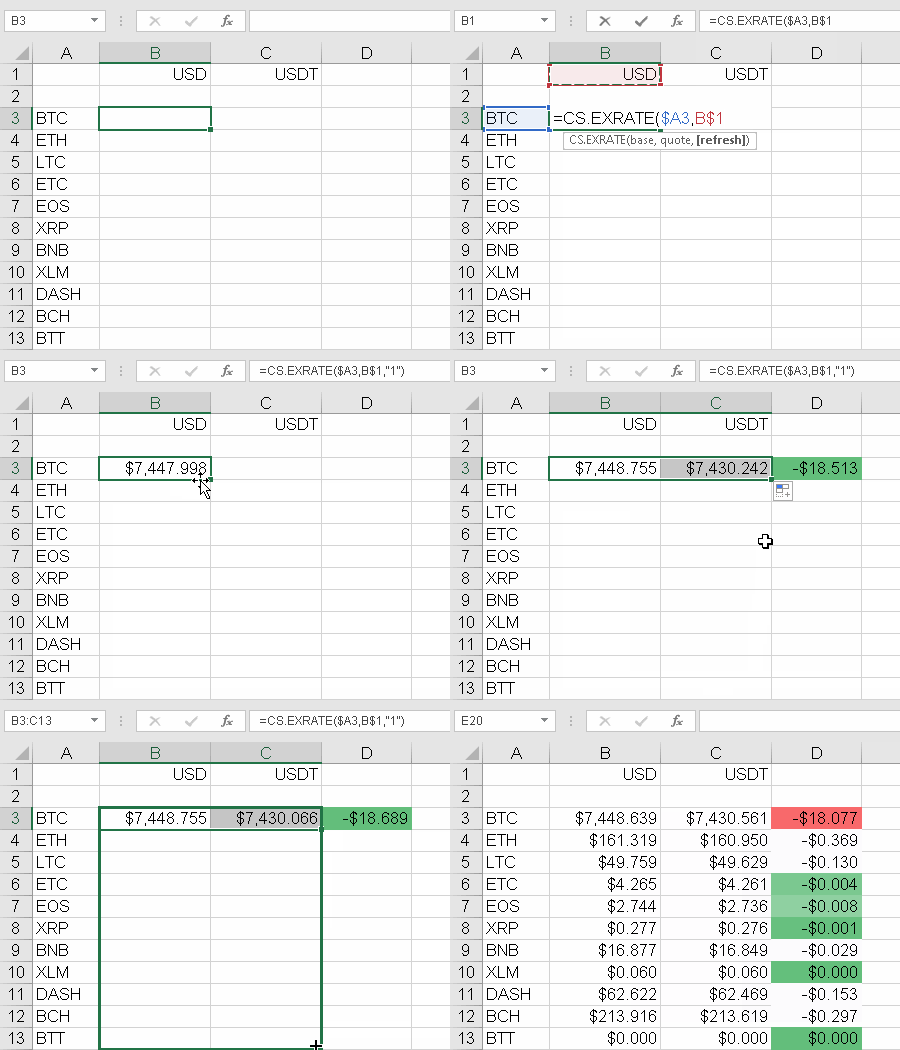
No scripts, no macros, no .exe installers. Just a lightweight Excel extension that talks directly to your XLBridge server.
Grab the XLBridge add-in from the Microsoft AppSource or the G Suite Marketplace and enable it inside Excel or Google Sheets.
Get & Add-ins → XLBridge
Open the XLBridge pane and paste your server's private key to log in. The connection is encrypted and verified instantly.
xlb_live_••••••••••••
Real-time forex and crypto transaction data streams into your worksheet. Balances, trades, fees and timestamps — all live.
⟳ Update
Complete your accounting work in Excel, save the file, then hit Upload — everything syncs automatically back to the server.
↑ Upload

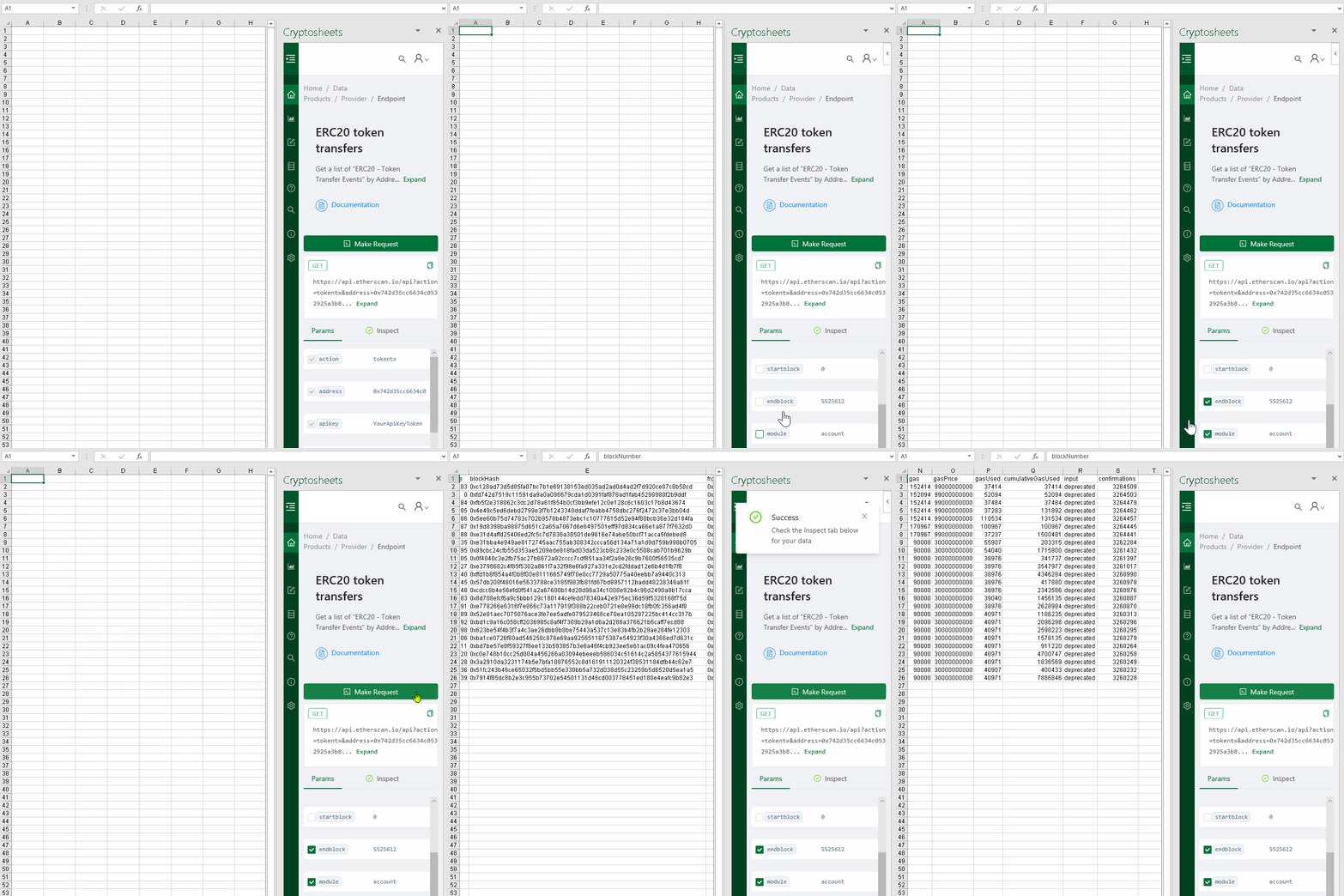
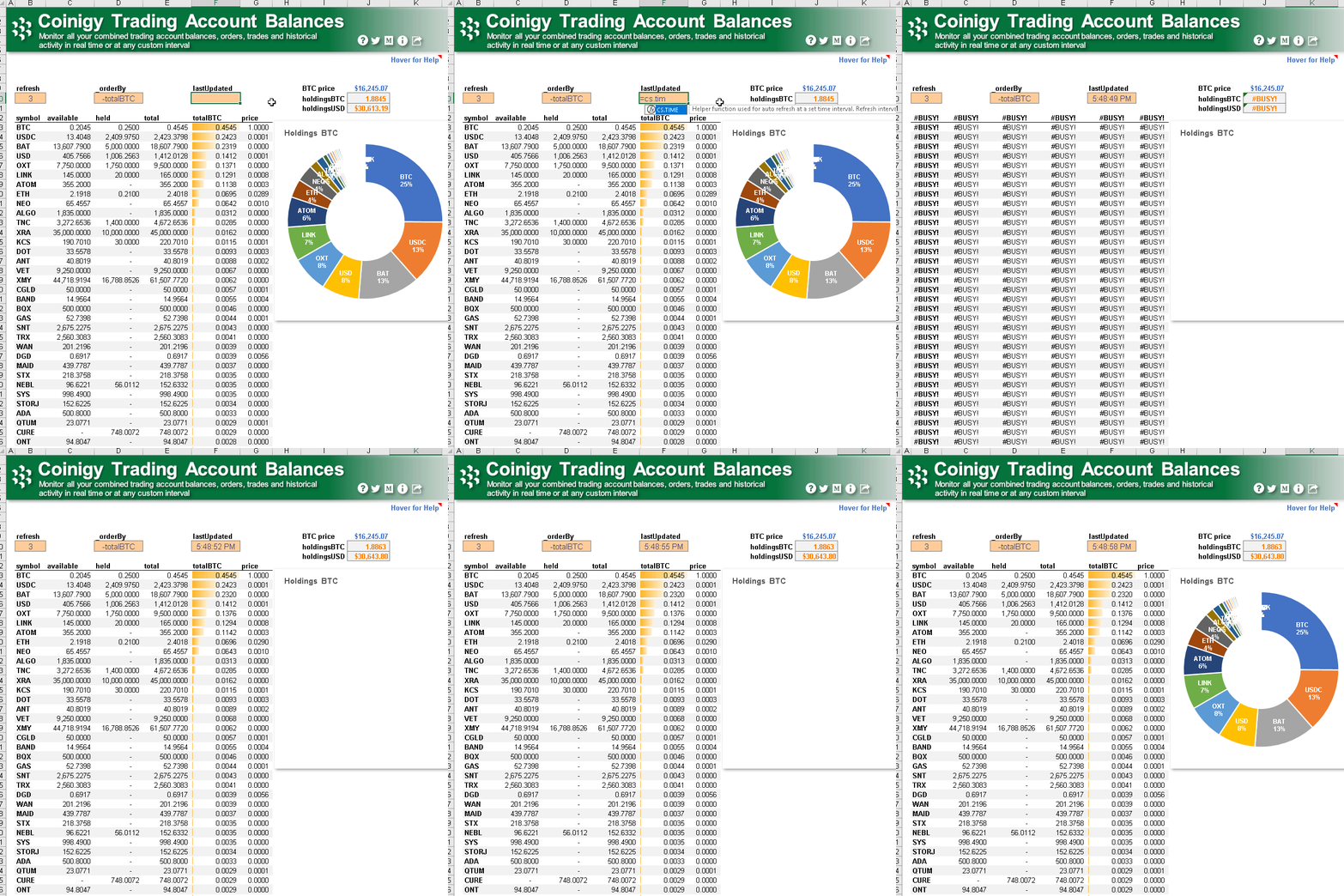
Everything you need to move live trading data into spreadsheets — and push your reconciled work back to the server.
Forex and crypto transactions flow directly into your worksheet the moment they settle. No CSV exports, no copy-paste, no delays.
Log in with your server's private key. Keys are encrypted in transit, scoped to your workbook, and can be rotated at any time.
Pull the freshest transactions, balances and exchange rates with a single button press. Refresh a range or the whole workbook.
Finish your accounting entries, save the sheet, then upload. XLBridge pushes the changes back to the server automatically.
Columns map cleanly to ledger, journal and P&L structures, so your bookkeeping workflow stays intact — no reformatting.
Update brings data in, Upload sends it out. Your sheet and the server stay in step, with a full audit trail on every sync.
Consolidate MT4/MT5, crypto exchanges and FX brokers into a single workbook view — one sheet, every account.
Nothing to install on your machine beyond the add-in. No VBA, no .xla files, no scripts — which means no IT headaches.
TLS everywhere, scoped keys, and per-workbook permissions. Your trading data never leaves the path you control.
There is no password to forget and no browser session to hijack. XLBridge authenticates your workbook against your own server using a private key — so the connection is bound to you, not to a shared login.
One extension, one key, every account. XLBridge pulls from FX brokers, crypto exchanges and portfolio platforms through a single unified server.
From solo traders to fund accountants — the add-in fits the way you already work in Excel.
We used to spend two days a month exporting CSVs from three brokers and stitching them together. Now the desk opens Excel, hits Update, reconciles, and uploads. XLBridge paid for itself in the first week.
One year of access, paid once. Every plan includes the Excel add-in, private key login, and the one-click Update & Upload workflow.
For individual traders and small books who need live data in their sheets.
Billed annually · 1 user
For active desks, accountants and teams running multiple accounts every day.
Billed annually · up to 5 users
14-day money-back guarantee · Cancel anytime · Enterprise & white-label plans available on request
No. XLBridge is a pure add-in. There is no VBA, no .xla file, no .exe installer and no scripts to run. You install the extension, paste your key, and use the Update and Upload buttons.
Excel for Windows, Excel for macOS, Office 365 (desktop and web) and Excel Online. Google Sheets is supported on both Standard and Pro plans.
Your XLBridge server issues a private key tied to your account. Paste it into the XLBridge pane once — it is stored encrypted on your machine and used to sign every Update and Upload request. You can rotate or revoke a key from the server at any time, which immediately ends access for that key.
Update pulls fresh transaction data from your server into the worksheet. Upload pushes the changes you made — reconciled entries, categories, notes, accounting work — back to the server. Update is inbound, Upload is outbound.
Yes. XLBridge was built specifically for businesses that trade both. Forex brokers (MT4/MT5, OANDA, IC Markets and others) and crypto exchanges (Binance, Coinbase, Kraken, Bybit and more) can be connected through the same key and consolidated into a single workbook.
Nothing is lost. Your workbook keeps whatever was last pulled in, and your server retains the full history. Reconnect with a valid key and click Update to resume where you left off.
Yes — every annual plan comes with a 14-day money-back guarantee. If XLBridge doesn't fit your workflow, contact support within 14 days of purchase for a full refund.
Install the add-in, connect your private key, and let the numbers flow. Start your annual plan today.
Need a hand? Email us at support@xlbridge.com